LONG VIDEO TO SHORTS GUIDE
How to turn long videos into shorts without losing the point.
Short-form editing is not the act of dividing a timeline into equal pieces. It is the editorial work of finding the smallest complete idea, preserving the source meaning, and presenting that idea clearly on a vertical screen.
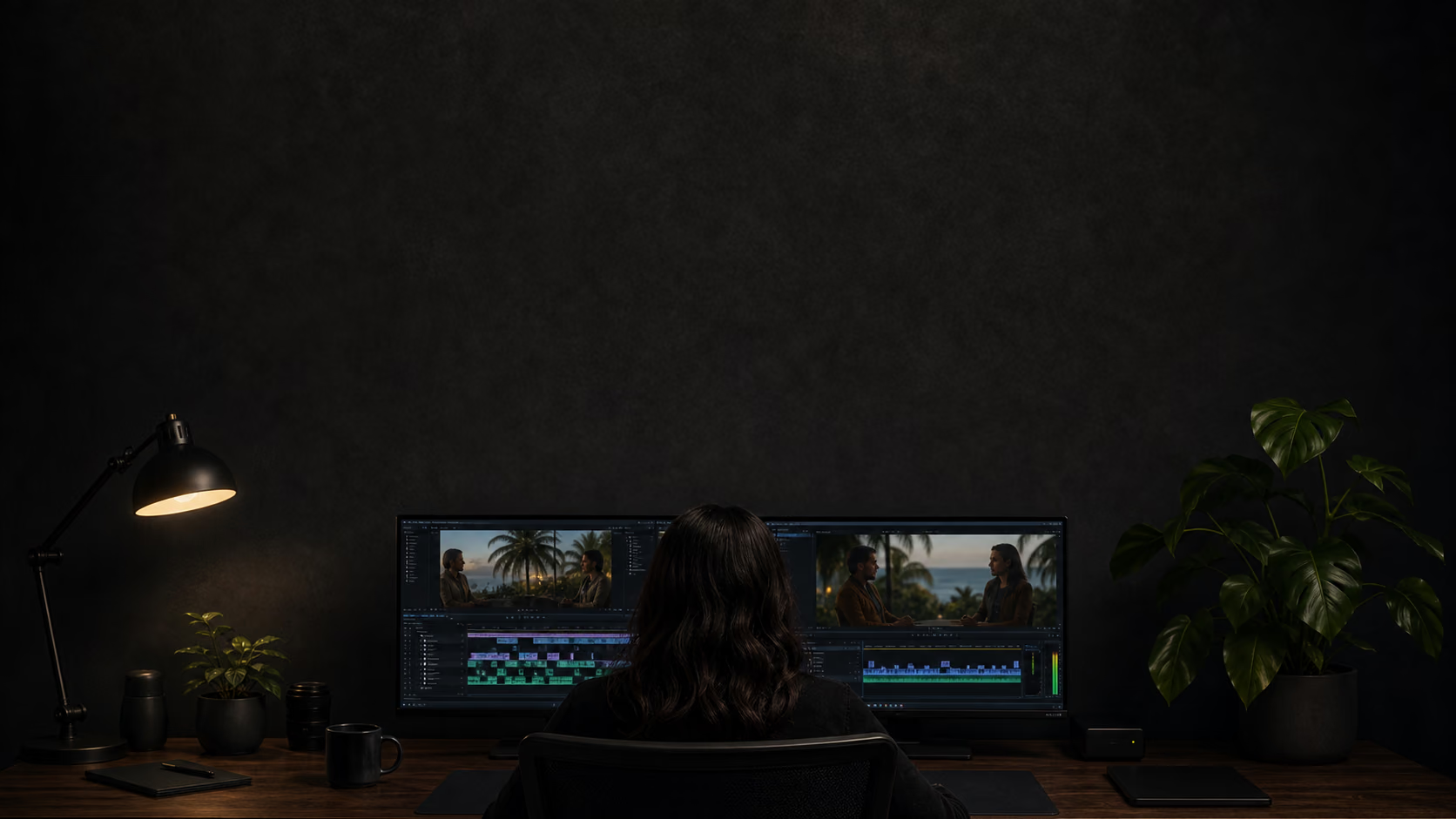
The workflow begins before the first cut: define the viewer outcome, map the source, compare candidate ideas, choose natural boundaries, then verify crop, captions, sound, and final-file playback.
- Complete idea boundaries
- Vertical composition
- Final export review
Define what the short should accomplish
Write one sentence describing what a new viewer should understand, feel, or be able to do after the clip. A clear outcome might be learning one technique, hearing a surprising explanation, understanding a difficult decision, or seeing a concise demonstration.
This sentence becomes the selection filter. Interesting moments that do not support it may belong to another clip, while extra context that does not improve comprehension can be removed.
- One viewer outcome
- One central promise
- One reason to keep watching
Map the source before choosing boundaries
A timestamped transcript, chapter notes, or a careful first pass can reveal where topics begin, examples appear, and conclusions land. Mark candidate ranges rather than cutting immediately so ideas can be compared across the complete source.
Look for repeated themes. A speaker may explain the same lesson several times, with one version offering a clearer opening or more concrete example. Selecting the best expression is usually more valuable than keeping every occurrence.
- Topic map
- Candidate ranges
- Repeated-theme comparison
Choose a hook that creates orientation
The opening should establish tension or value without inventing drama. A precise question, contrast, problem, or unexpected fact gives the viewer a reason to continue and tells them what the next lines will resolve.
Avoid moving a dramatic sentence to the beginning when it depends on missing context. If the hook raises a promise that the clip never fulfills, the edit may gain an initial pause but lose trust.
- Specific subject
- Credible promise
- No empty intensity
Keep the minimum context the idea needs
Context is not the same as a long introduction. Keep the names, conditions, question, example, or visual reference required to understand the claim. Remove greetings, repeated setup, and tangents that do not change the meaning.
Test the range without the source title. If the viewer cannot identify the subject or why the conclusion matters, the opening is too narrow. If the central idea arrives only after a long detour, it is too wide.
- Necessary premise
- Relevant example
- No unrelated lead-in
End after the payoff, not at a target second
A natural ending arrives when the question is answered, the contrast resolves, the example reaches its result, or the story changes the viewer’s understanding. Cutting before that point creates frustration; continuing long after it adds drag.
Treat duration as a constraint rather than a command. A concise complete moment is stronger than a longer padded one, while an idea that cannot end cleanly within the available format should be dropped or reworked.
- Resolved central idea
- Natural spoken cadence
- No filler ending
Compare candidates as a set
Review all candidate clips together and label the value each one delivers. Remove weaker versions of the same theme, openings that depend on the same setup, and clips whose main difference is wording rather than substance.
A varied set might cover a lesson, story, objection, example, and opinion. Variation should reflect real source material, not a quota that forces weak moments into production.
- Distinct themes
- Best version retained
- Quality before quantity
Render from the original and plan the vertical frame
Cut picture and audio from the original source at matching boundaries. Choose the important visual—speaker, object, interface, chart, or demonstration—before deciding where captions can live. A 9:16 crop should not hide the evidence the spoken explanation relies on.
Review camera changes and movement throughout the range. A frame that looks correct at the opening may fail after a cut. Retain the original voice and confirm that video and audio remain synchronized.
- Original-source media
- Visual priority first
- Audio-video sync
Write captions for reading, not transcription storage
Group words into stable phrases that can be read on a phone. Use strong contrast, a limited line count, and placement that avoids important faces or common feed controls. Remove distracting speech artifacts only when the edit preserves meaning.
Verify names, figures, technical terms, and qualifications against the audio. Captions should help a viewer follow the speaker; they should not rewrite the point or create a more promotional version of it.
- Readable phrase groups
- Safe placement
- Faithful wording
Review the exported file as a new viewer
Watch the complete MP4 at phone size with sound on, then again with sound off. Check the first frame, orientation, crop, caption timing, source audio, title, ending, and any visual reference that crosses the vertical boundary.
Finally, confirm publication rights and compare the clip with the full source. Approval belongs to the finished artifact, not the transcript selection or editor preview. Only the export proves what the audience will receive.
- Sound-on and sound-off review
- Final-file playback
- Rights confirmed
EDITING QUESTIONS
How do you know a long-video moment is ready to become a Short?
What is the best length for a short clip?
Use the shortest range that preserves one complete idea. Twenty to forty-five seconds is a practical preference, but the content should determine the exact boundary.
Should every interesting quote become a clip?
No. A quote also needs orientation, standalone value, a natural ending, usable visuals, and a reason to exist beside the other selected moments.
When should a candidate be dropped?
Drop it when the idea depends on too much missing context, repeats a stronger candidate, cannot end cleanly, or relies on visuals that do not survive the vertical crop.
Why review the exported file?
Rendering can change crop, wrapping, timing, and audio boundaries. The final MP4 is the only reliable representation of what viewers will receive.
Ready to apply the workflow to a real source?
Create a job, review the finished clips, and keep only the moments that remain complete outside the original timeline.
Create your clips