Choose the workflow by the story inside your footage.
A podcast conversation, a creator upload, and an expert interview should not be clipped in exactly the same way. Start with the source format and the value a new viewer needs to receive, then use the dedicated playbook for that editorial job.
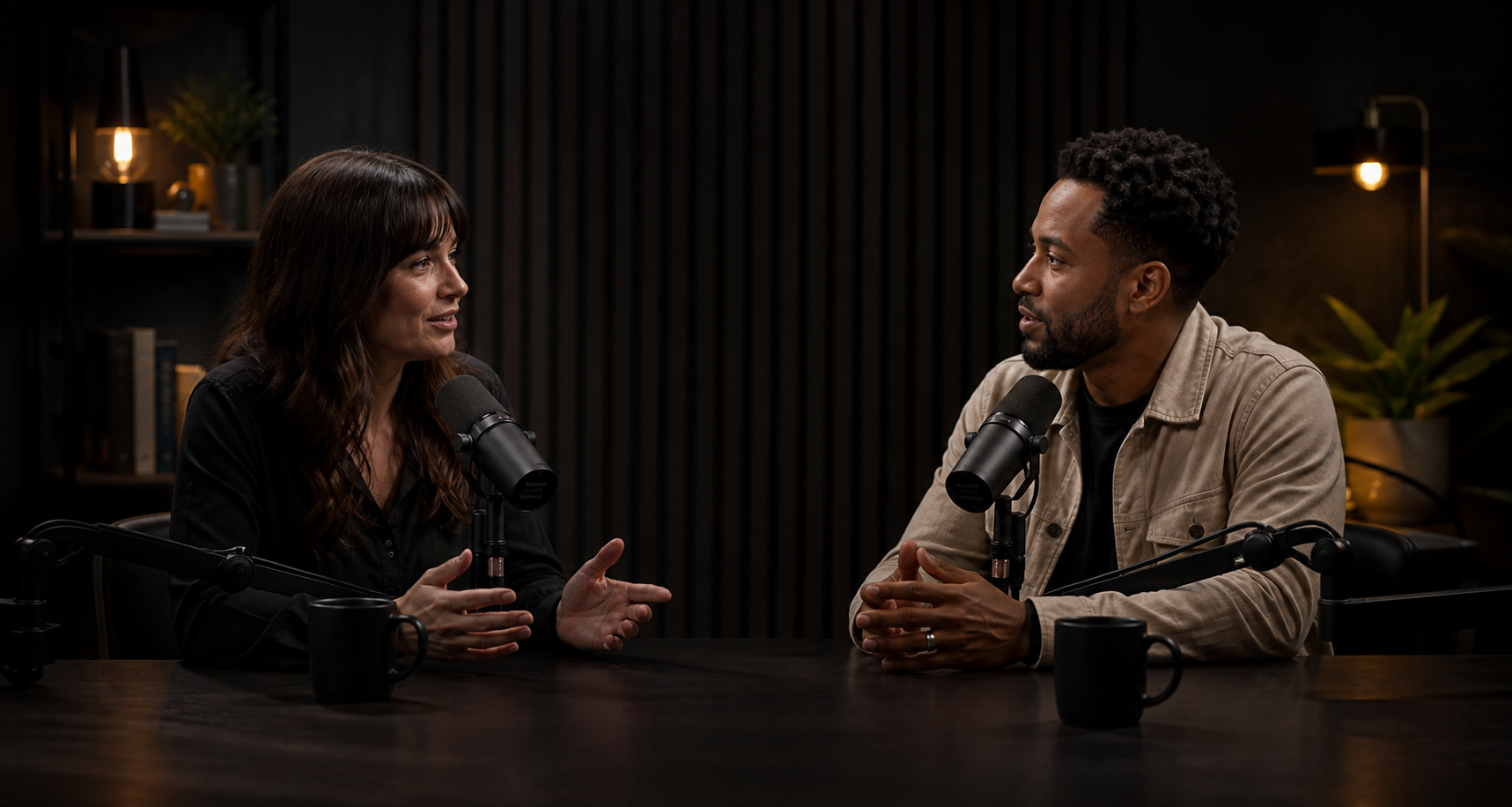
PODCASTS
Turn complete conversations into clips people can follow.
Podcast clips need enough setup to make sense outside the episode, a clear idea arc, and an ending that lands naturally. Learn how to compare highlight types, protect conversational meaning, frame multiple speakers, and build a varied release set.
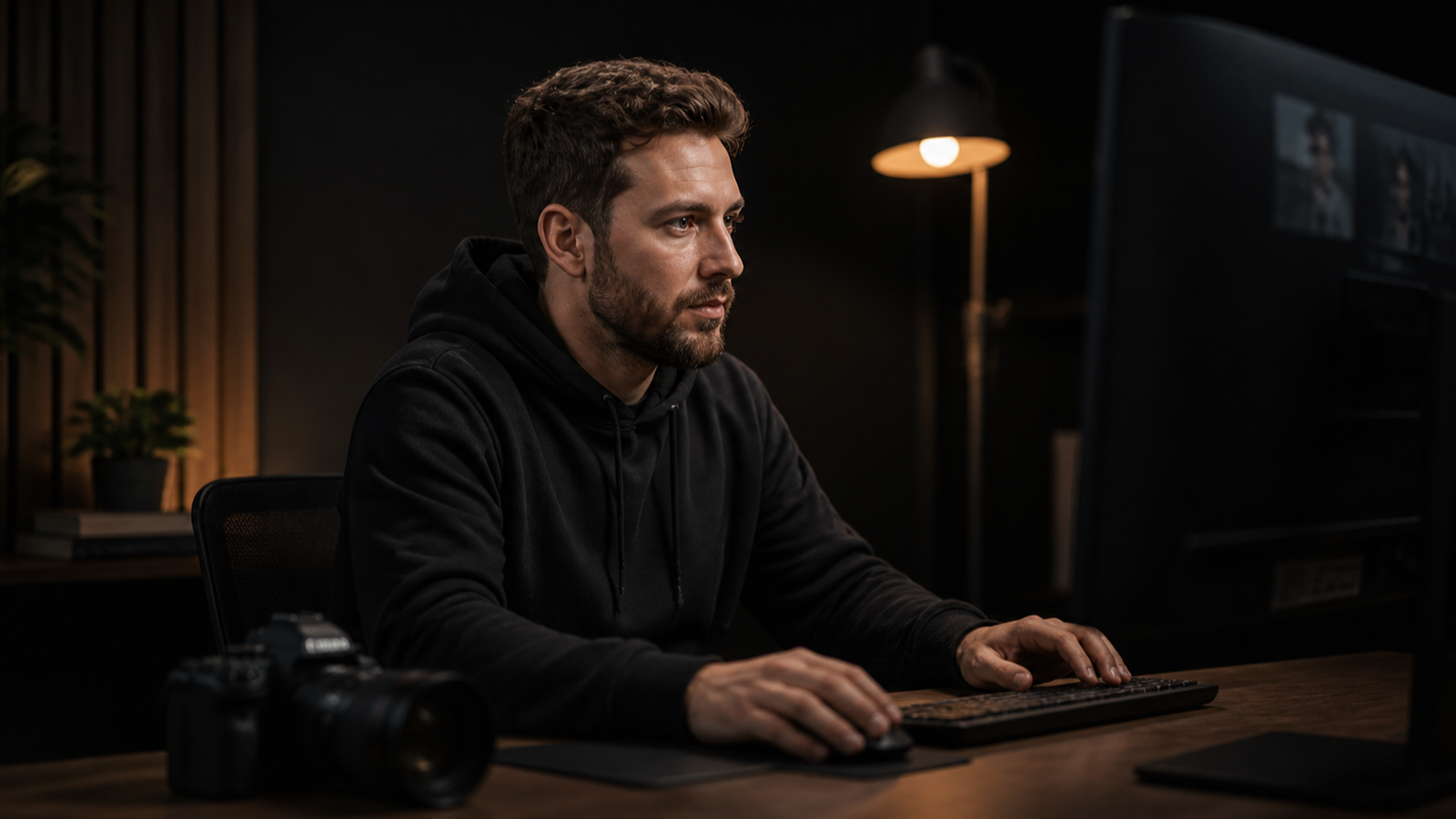
Give established videos new short-form entry points.
Find self-contained explanations, arguments, and stories in tutorials, commentary, essays, and educational uploads. Then adapt the strongest ideas without losing the visuals or the connection to the original video.
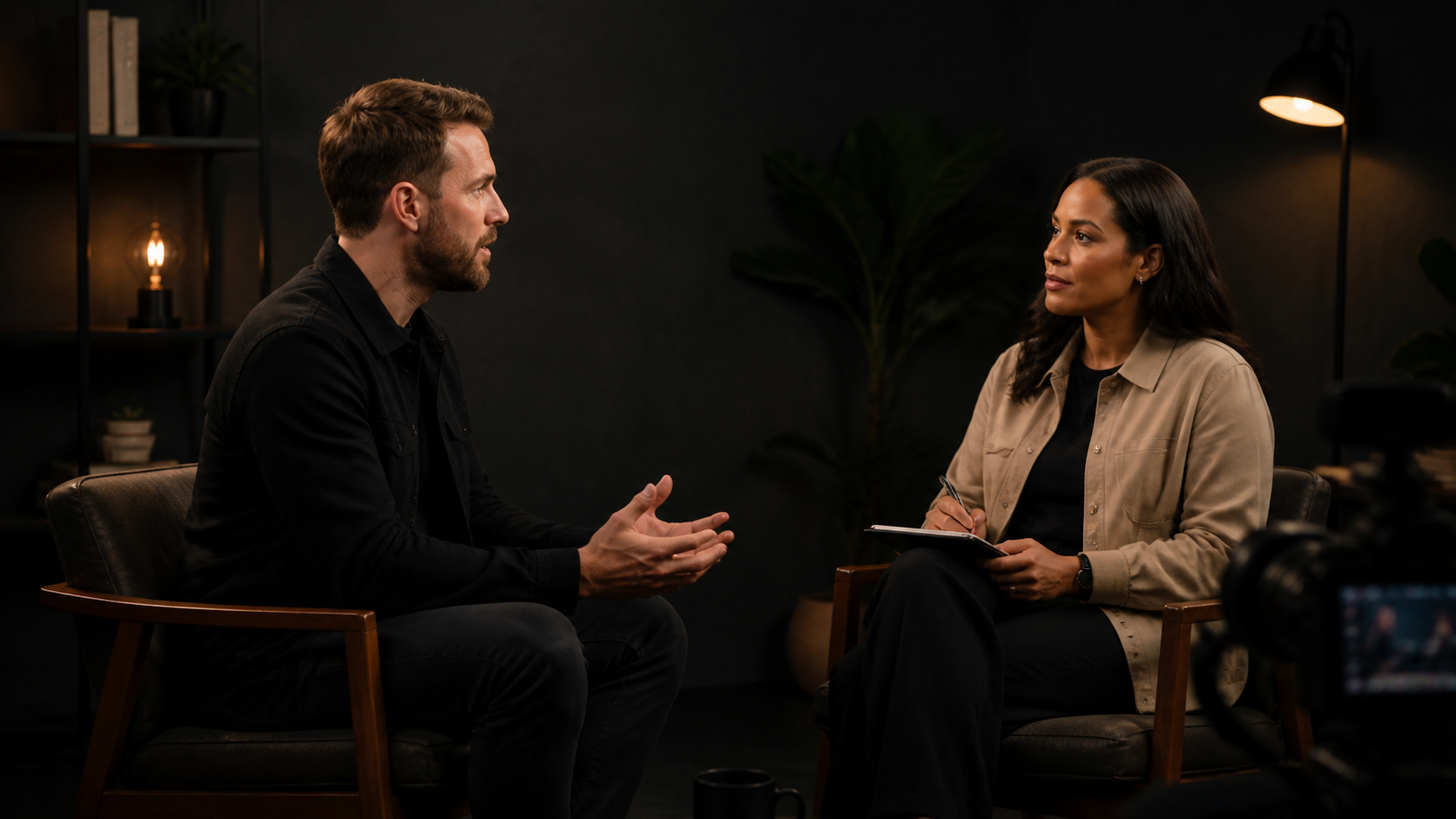
Surface memorable answers without removing their meaning.
Founder, customer, expert, and research interviews require careful question context, faithful captions, visible speakers, and a clear approval step before a short clip leaves the workspace.
Start with the viewer outcome, not the platform label.
Choose Podcasts when the source is a long conversation and the central challenge is preserving a complete thought. Choose YouTube Creators when the source already contains structured explanations or opinions that can lead viewers back to a larger body of work. Choose Interviews when accuracy, qualifications, permissions, and stakeholder approval matter as much as reach.
Some recordings cross categories. A filmed podcast may use the interview approval checklist; a tutorial interview may need the creator workflow’s visual checks. Pick the closest primary goal, then borrow only the safeguards that the footage genuinely needs.
Have a speech-led video ready to review?
Submit one authorized source and let the strongest complete moments earn their place in the result set.